Online Gaming > BattleTech > Mercenaries > Bloodmoon Shadows >
|
Advertisement |

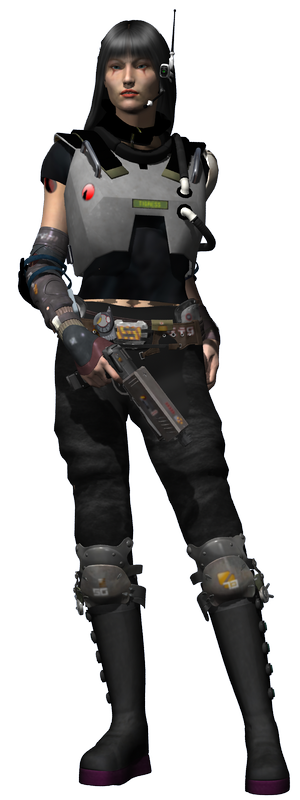
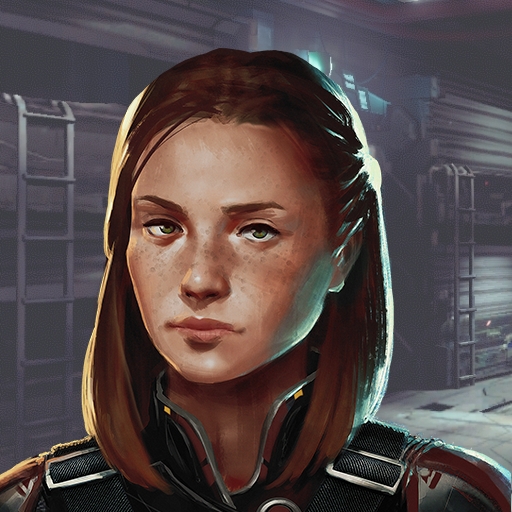
Trista runs a tight ship, but suffers from
paranoia and is armed at all times, even in the shower.
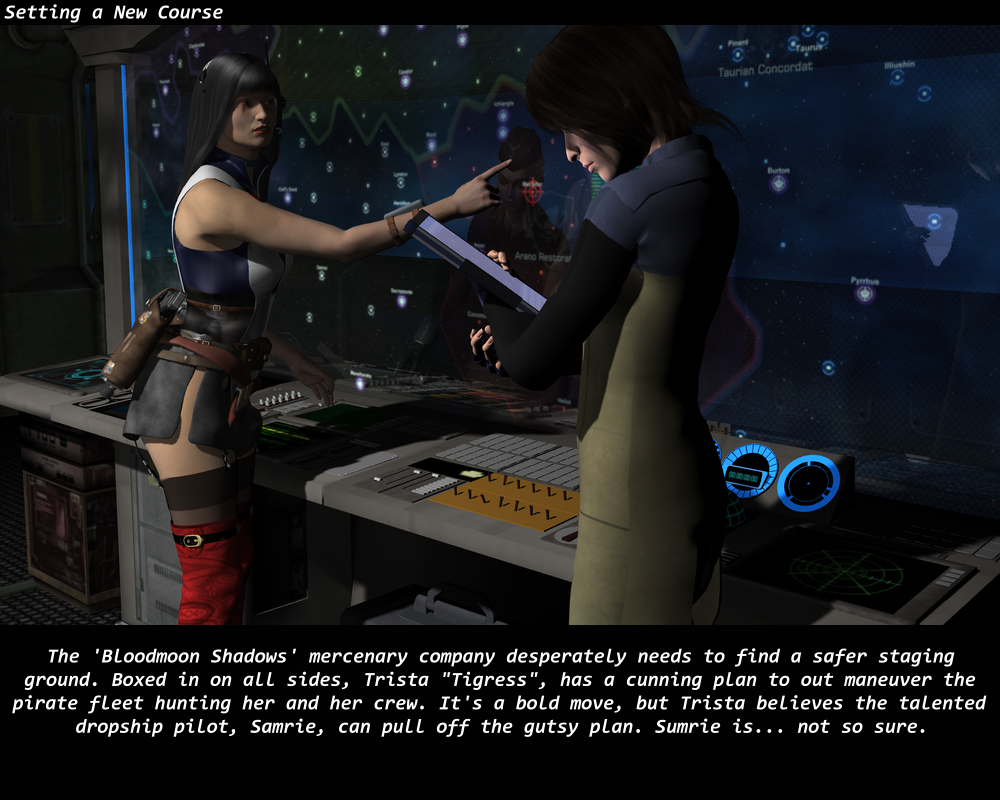
Her early dealings with the local pirates has soured her view of the
treacherous scum that now have a bounty on her head. Numerous bounty
hunters have meet their fate at Tigress's hand and the bounty has
reached 5 million credits. Infiltrators have been the latest issue for
her to deal with. Many have met the air-lock, while trying to get close
enough to collect the reward. Even her newest recruit, Whisper, may be
a Taurian spy and kept at arms length. |

 |
|
|
|
|
| Online Gaming > BattleTech > Bloodmoon Shadows > Barracks |
Top ^
|
|
|
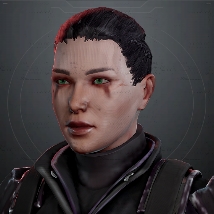
Tigress |
|
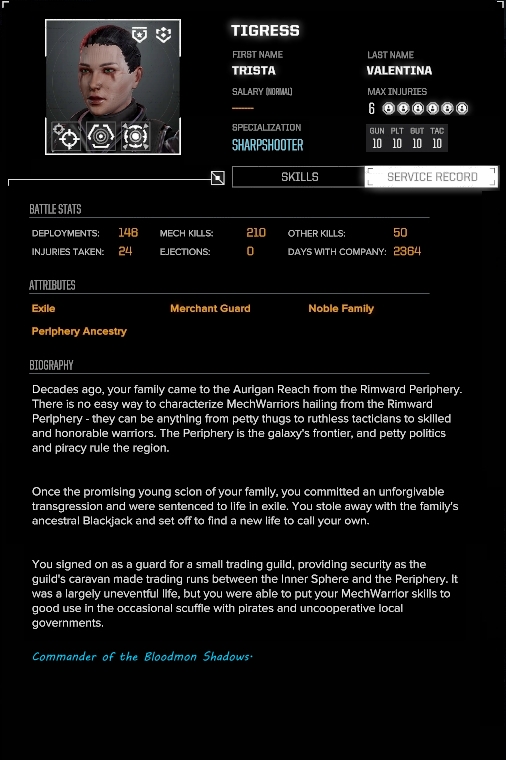
| BARRACKS |
|
All Female Crew |
12/24 BERTHS
|

Apex |
Arclight |
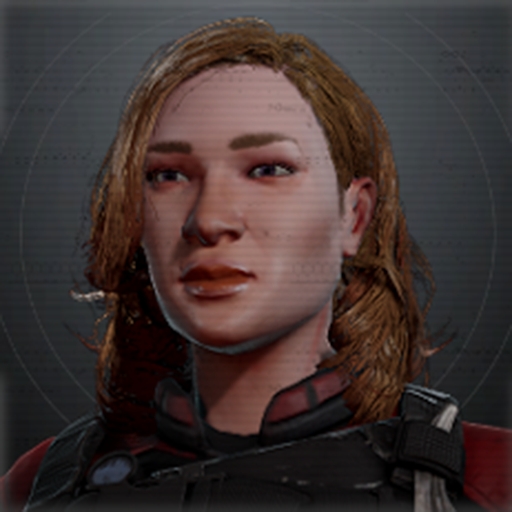
Behemoth |
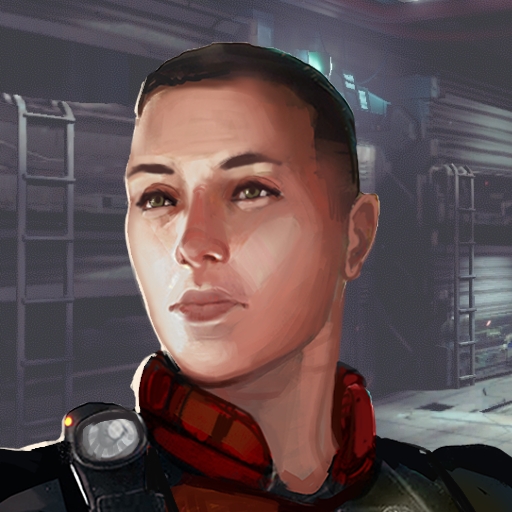
Buckshot |

Catalyst |
Dot |
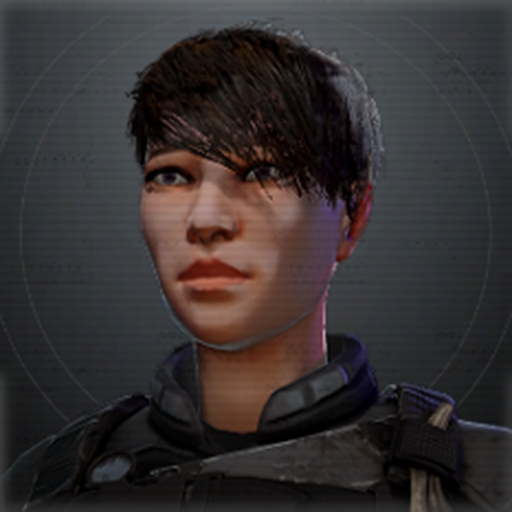
Glitch |
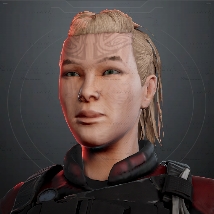
Harvester |
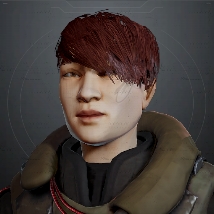
Jammer
|
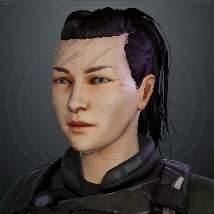
Milk |
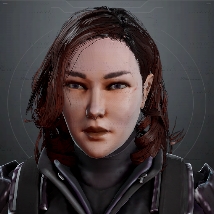
Payday |
Whisper
|

|
|
 |
|
|
Ranks:
|

|
Recruit |
 |
Regular |
 |
Veteran |
 |
Master |
 |
Elite |
Type:
|
 |
Commander |
 |
Special |
 |
Unique |
|
Skills:
|
Gunnery
|
|

|
Multi-Targeting |
|
 |
Breaching Shot |
| Piloting |
|
 |
Sure Footing |
|
 |
Ace Pilot |
Guts
|
|
 |
Bulwark |
|
 |
Cooling Vents |
Tactics
|
|
 |
Sensor Lock |
|
 |
Mstr Tactician |
|
|
|
Online Gaming > BattleTech > Bloodmoon Shadows > Mech Bay
|
Top ^^ |
|
|
Mech Bay
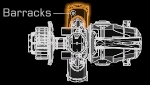
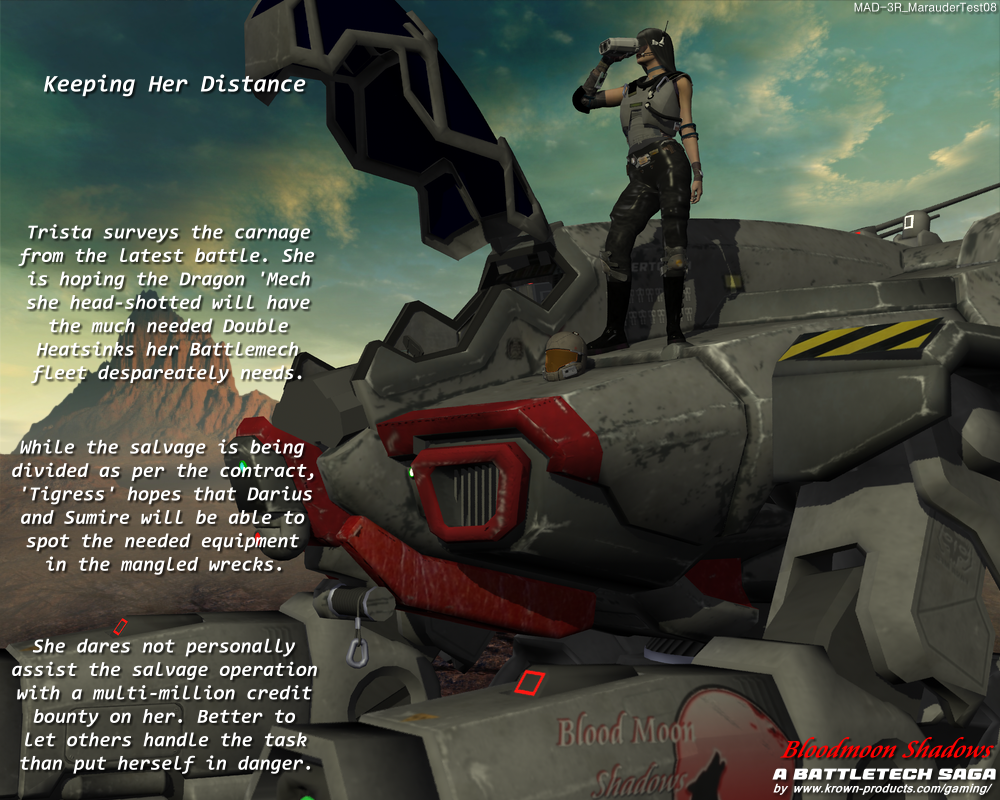
Once you get your first Marauder, the next tough process will be finding the Double Heatsinks.
|
|
| A Battlemech Lance |
|
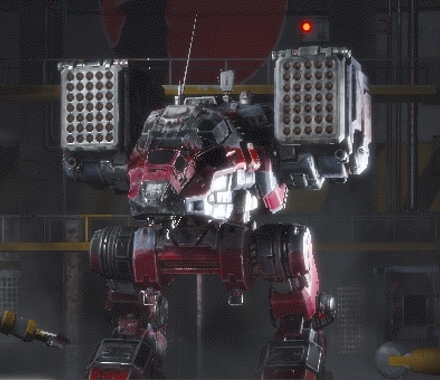
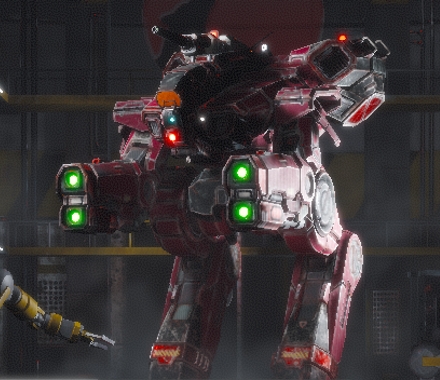
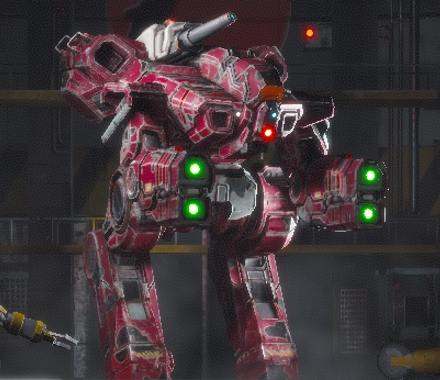
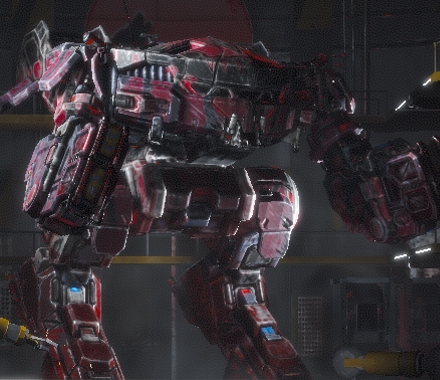
Primary Lance Configuration
|
|
Artillery Support
| Sniper
| Sniper
| Frontline Brawler
|
 |
 |
 |
 |
| CPLT-C4
| MAD-3R
| MAD-3D
| KGC-0000
|
|
|
|
|

|
|
|
|
|
| Pilots: |
Pilots: |
Pilots: |
Pilots: |


|

|


|


|
|
Typical Mid-game Mission play-by-play
Destroy Convoy  |
|
Round 1: move
Round 2: move
Round 3: Tigress destroys Bulldog, Dot destroys enemy Griffin right arm, Jammer damages enemy Cicada.
Round 4: Tigress destroys enemy Griffin (headshot), Dot damages Commando #2, Jammer destroys Scorpion (stomp).
Round 5: Tigress destroys APC #1, Jammer destroys Thunderbolt (headshot), Dot damages Hunchback, Harvester destroys enemy APC #2.
Round 6: Tigress destroys enemy Hunchback (headshot), Dot damages APC #3, Harvester destroys APC #4.
Round 7: Jammer damages Commando #2, Tigress obliterates enemy Commando #1, Dot destroys APC #3.
Round 8: Jammer destroys APC #5, Dot Damages enemy Cicada, Tigress destroys APC #6.
Round 9: Tigress destroys Cicada (headshot), Harvester obliterates Commando #2.
|
OpFor:
Griffin (GRF-1S)
Hunchbach (HBK-4G)
Cicada (CDA-3C)
Thunderbolt (TDT-5SS)
Commando (CMD-) #1, #2
APC #1, #2, #3, #4, #5, #6
Bulldog
Scorpion
|
|
|
Available Battle Salvage:
Griffin x2, Hunchback x3, Cicada x2, Thunderbolt x3, Commando x2
|
|
|
|
| Online Gaming > BattleTech > Bloodmoon Shadows > Captains Quarters |
Top ^^^ |
Captain's Quarters
|
|
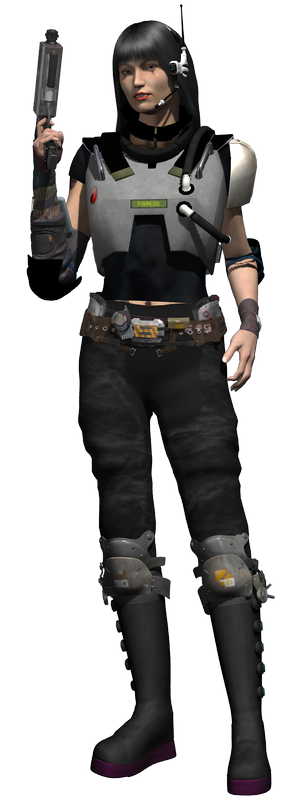
The
primary colors for the Bloodmoon Shadows is red and black with light
gray highlights. However, during the Arano Restoration campaign, Trista
took on the red and blue color scheme in support of Lady Arano
throughout the conflict. Trista runs a tight ship, but suffers from
paranoia and is armed at all times, even in the shower.
Her early dealings with the local pirates has soured her view of the
treacherous scum that now have a bounty on her head. Numerous bounty
hunters have meet their fate at Tigress's hand and the bounty has
reached 5 million credits. Infiltrators have been the latest issue for
her to deal with. Many have met the air-lock, while trying to get close enough to collect the reward. Even her newest recruit, Whisper, may be a Taurian spy and kept at arms length.
| Reputation |
|
|
Career Day: 2811 |
| Legend: |
       |

|
= Allied
|
|
 |
|
|
 |
|
 |
|
|
 |
|
 |
|
|
 |
|
 |
|
|
 |
|
 |
|
|
 |
| Mercenary Review Board |
855 |
|
|
|
 |
|
|
|
| Reputation |
|
|
Career Day: 2364 |
| Legend: |
|
|
= Allied
|
|
|
|
|
|
|
|
| Capellan Confederation |
100 |
|
|
|
|
|
|
|
|
|
|
|
|
|
|
|
|
|
|
|
|
|
|
|
|
| Mercenary Review Board |
791 |
|
|
|
|
|
|
|
|
|
© Copyright Krown Products
Ltd. 2008-2026
All rights reserved
|
| Online Gaming > BattleTech > Bloodmoon Shadows > Gallery Images |
|
|